Features
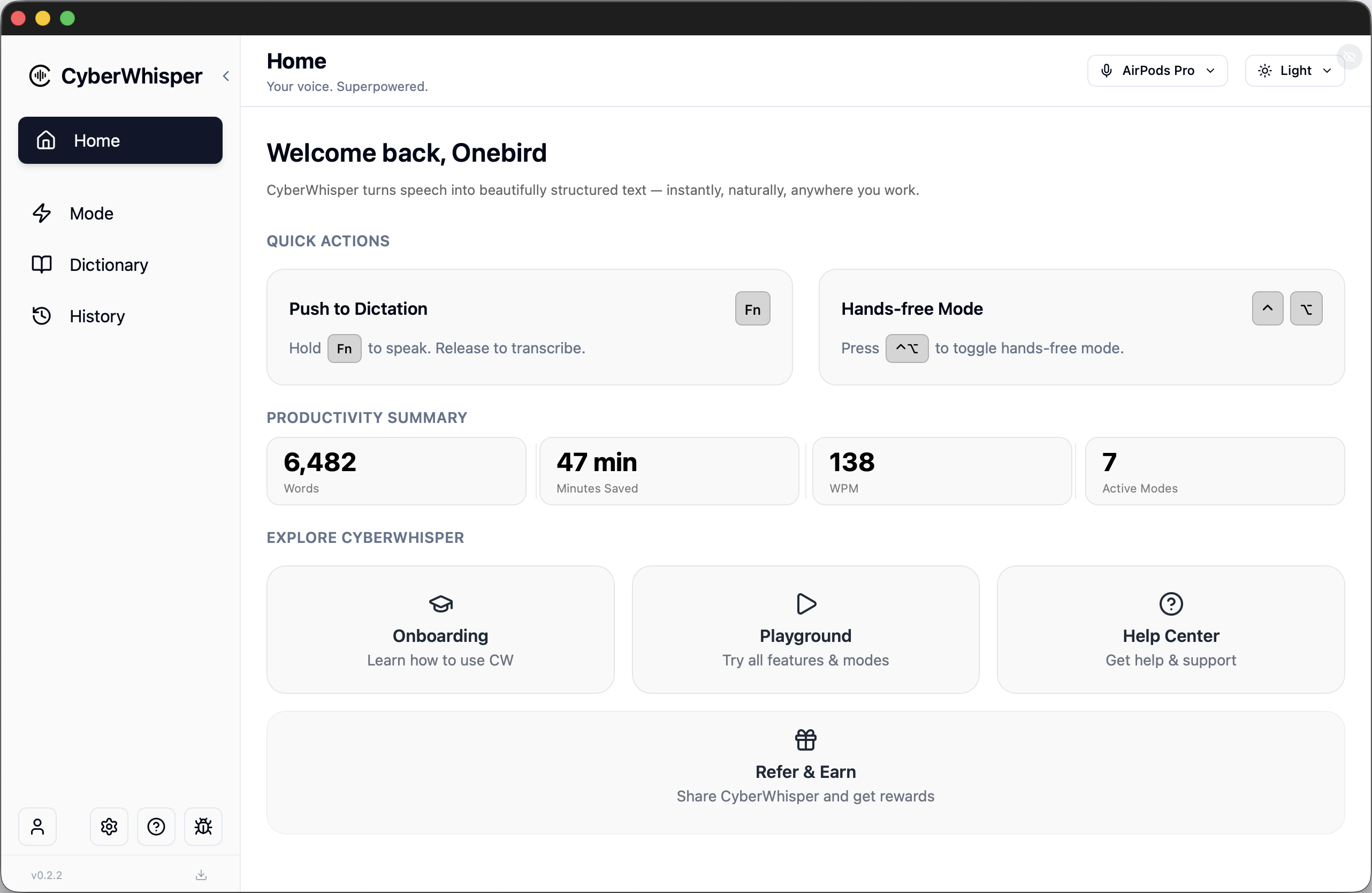
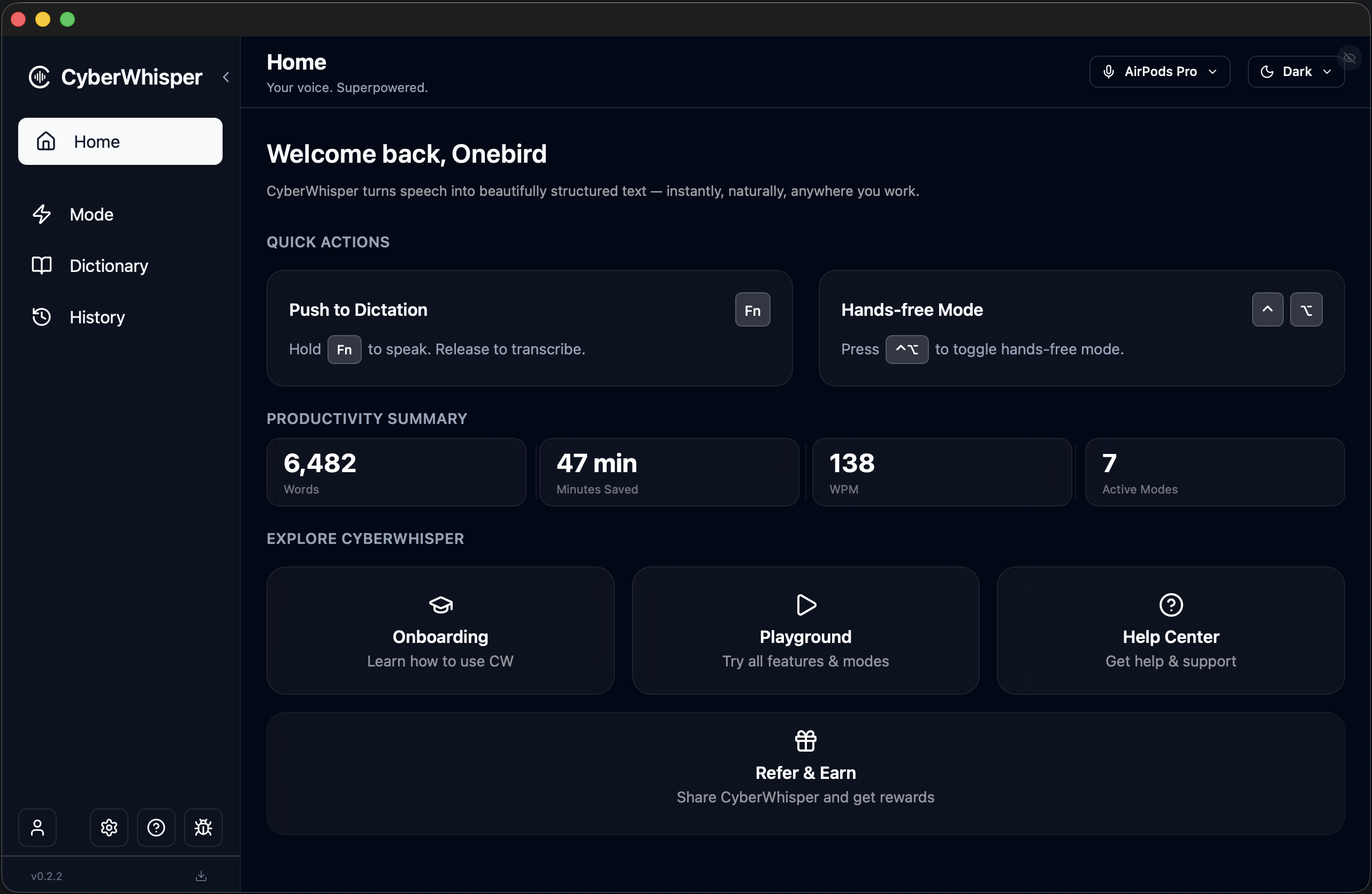
How CyberWhisper Works
From speaking to polished text in three steps. Works in any app on your Mac.
Speak Naturally
Press a shortcut or push a key, then speak freely. Your Mac captures audio entirely locally — nothing is sent to the cloud at this stage.
AI Processes Locally
On-device AI models transcribe your speech in real time. Filler words, repetitions, and mid-sentence corrections are removed automatically.
Text Appears Anywhere
Clean, formatted text is inserted directly into any app you're using — Notes, Slack, VS Code, Mail, or any text field on your Mac.
Two ways to speak — depending on how you think.
Choose your preferred shortcut method.
[Push to Dictation]
For short, precise inputs.
Push to Dictation
Press & Release
Hands Free
Hands-free
Keyboard & Mouse Shortcuts
Keyboard
Hands-free
The same words. The right output — everywhere.
Better context engineering with intelligent output adaptation across different applications.
Automatic context adaptation with the ability to define work modes for different contexts.
Use different language models, different voice models, and configure different output styles. Intelligently adapt appropriate outputs across different applications. Switch between different modes instantly using keyboard shortcuts for better context engineering.
Different scenarios require different output requirements: writing emails, replying to client messages, vibe coding, interacting with AI tools. Each scenario has specific format requirements and professional terminology enhancements. Different applications need different output formats, and different recipients (boss, client, colleague, family) require different tones and styles.
You say:
"Can you take a look at this?"
In Slack
Short & casual
In Email
Polite & structured
In IDE
Technical & concise
Applications
Voice
Slack
Message
Word
IDE
Teams
Discord
Scenarios
Boss
Professional
Client
Formal
Colleague
Casual
Family
Friendly
Playful
Humorous
Creative
Expressive
100+ languages
Supports transcription and translation in over 100 languages, from widely spoken languages like English, Chinese, and Spanish to regional dialects and less common languages.
And you can switch languages on the fly.
Hybrid LLM Engine
Local when privacy matters.
Cloud when intelligence matters.
Your key when control matters.

OpenAI

Grok


Gemini

DeepSeek

Meta

Mistral AI

Qwen

Ollama
Voice models and large language models run entirely on-device
Complete data security, lower latency, lower cost.
You can customize and download different language models based on your needs. Some models guarantee low latency, ideal for scenarios requiring quick responses; others may have slightly higher latency but ensure higher accuracy, perfect for scenarios with high precision requirements. You can choose the model that best fits your needs for different scenarios.
Runs fully on-device
Biometric voice data never leaves your device
Millisecond-level latency
Biometric Data Protected
Latency vs Accuracy
Low Latency
High Accuracy
Biometric Voice Data
Highly Sensitive • Fully Protected
It adapts to you.
Why it gets better with use.
Dictionary
Vocabulary
→ Fewer correctionsDefine custom vocabulary to greatly improve speech recognition accuracy and resolve spelling errors. Perfect for personal names, specific professional terms, and domain-specific vocabulary.
Snippets
→ Faster repliesQuickly define frequently used content such as postal addresses, product descriptions, and common message phrases. All vocabulary and snippets can be used across different applications.
Audio
→ Works anywhereWorks seamlessly across diverse scenarios and adapts to different input devices: AirPods, Bluetooth headphones, built-in microphones, laptop lid closed mode, wired microphones, and recording devices.
When your laptop lid is closed, the system intelligently adapts to the different microphone configuration, ensuring optimal audio capture even in clamshell mode.
Advanced noise reduction algorithms automatically filter out background noise in noisy environments like cafes, while preserving clear speech in quiet offices.
Intelligent silence detection handles long pauses and blank spaces in speech, automatically identifying when you're thinking, pausing, or finished speaking. The system understands natural speech patterns with frequent pauses and extended silence periods.
Dictionary
Personal Names
John Smith, Olivia Zhang, Neo Ruan, Jim Sang
Professional Terms
API, Kubernetes, CyberWhisper, LLM, Transformer, GPT, Claude
Input Devices
Built-in
Clamshell
Wired
Bluetooth
USB
Loopback Input
BYOK LLM integration
Bring Your Own Key (BYOK) support for LLM services. Use your own API keys from OpenAI, Anthropic, or other providers to maintain full control over your AI costs, usage, and data routing.
Perfect for teams and power users who need full control.
Bring your own key
See the difference — instantly.
Compare modes before you commit.
A place to shape how your voice becomes text.
Switch between different models, microphones, and parameters, see results change in real-time.
Compare output styles and speeds of different Modes. Experiment and save your final mode combination.
Real-time output area
Ready to try CyberWhisper?
Speak your thoughts. Let the text follow.
Runs locally. No audio upload. No lock-in.
Frequently Asked Questions
Everything you need to know about CyberWhisper.
How does CyberWhisper work on Mac?
CyberWhisper runs as a background app on your Mac. Once activated (via keyboard shortcut or push-to-talk), it captures your voice, processes it locally, and inserts formatted text directly into any active text field — whether you're in Safari, Notes, Slack, VS Code, or any other app.
Does CyberWhisper work offline?
Yes. Core voice-to-text transcription works entirely offline using on-device AI models. Cloud AI features like advanced formatting, vocabulary enhancement, and cross-language translation require an internet connection.
What languages does CyberWhisper support?
CyberWhisper supports over 100 languages and dialects, including English, Chinese (Simplified & Traditional), Japanese, Korean, French, German, Spanish, and many more. You can also switch languages mid-session and translate between languages on the fly.
How is my privacy protected?
Your voice data never leaves your device during local processing. CyberWhisper uses on-device AI models for transcription. Only when you explicitly use cloud AI features (advanced formatting, translations) does data leave your Mac — and only to the AI provider you choose. You can also BYOK to maintain full control over your data.
Can I use my own API keys?
Yes. Pro and Enterprise plans support BYOK (Bring Your Own Key). Connect your own OpenAI, Anthropic, Google Gemini, DeepSeek, or any OpenAI-compatible API key. This gives you full control over costs, model selection, and data routing.
What apps does CyberWhisper work with?
CyberWhisper works anywhere you can type on your Mac — any app that accepts text input. This includes Safari, Notes, Mail, Slack, Discord, Notion, Obsidian, VS Code, Cursor, Linear, GitHub, and thousands more.